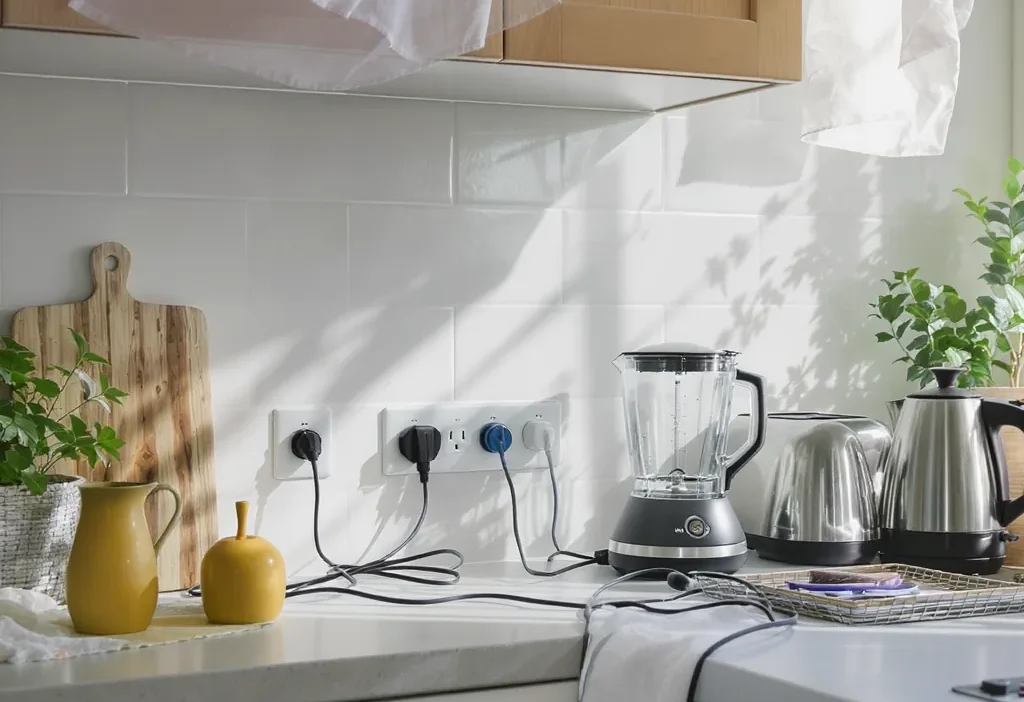
You’re standing in your kitchen, hand hovering over the plug of your coffee maker. You know you should unplug small appliances to save energy, but you also know you’ll be using it again in, oh, about 12 hours. That tiny, nagging debate is a modern ritual, fueled by the well-meaning but often rigid advice to unplug everything, always. But what if that dogma is actually wasting your time and effort for pennies? The truth is, not all standby power is created equal, and a one-size-fits-all approach can be more frustrating than fruitful. This guide cuts through the noise, offering a practical, appliance-by-appliance framework to help you decide when the convenience of leaving something plugged in is perfectly justified, and when unplugging is a genuinely smart energy-saving habit.
The best way to decide when to unplug small appliances to save energy is to evaluate their standby power draw and your usage frequency. High-standby devices like gaming consoles or old chargers are prime targets for unplugging. For frequently used kitchen appliances like coffee makers or toasters, the convenience of leaving them plugged in often outweighs the minimal energy savings. Focus your unplugging efforts on the handful of devices that truly waste power when idle.
The Hidden Cost of ‘Standby’ Power
Before you decide on a plug-in habit, you need to understand what you’re fighting against. Many of your small appliances and electronics continue to draw a small amount of electricity even when they’re switched “off.” This is often called phantom power consumption or vampire energy drain. Think of it like a slow, constant drip from a faucet—individually tiny, but it can add up over time and across many devices.
This standby power fuels features like digital clocks, remote-control sensors, internal memory, or instant-on capabilities. It’s important to note that not all standby power is pure waste; a clock on your microwave is providing a service. However, the amount of electricity used for these idle states varies wildly. Older electronics and devices with external power bricks (like many laptop chargers) are often the biggest offenders, while newer, energy-efficient models are designed to use less. For a general overview of this phenomenon, you can refer to resources from the U.S. Department of Energy.
Plugged In vs. Unplugged: The Core Trade-Offs
So, should you develop a strict plug in habit for energy saving? The answer isn’t a simple yes or no. It’s a balance of competing priorities. Let’s break down the core trade-offs to help you decide what’s right for your home.
Energy Savings: This is the obvious pro for unplugging. Eliminating standby power from small kitchen appliances and other gadgets reduces your overall consumption. The savings per device are small, but targeting high-drain items can make a noticeable difference on your bill.
Convenience & Functionality: This is the major argument for leaving things plugged in. A coffee maker you use daily is far more convenient when it’s ready to go. Unplugging it means losing its clock and having to reset it constantly. Convenience is a legitimate factor in forming sustainable habits.
Appliance Wear & Safety: Constantly plugging and unplugging can, over many years, potentially wear out the outlet or the appliance’s plug. On the flip side, unplugging devices during thunderstorms or extended absences can be a simple safety measure to prevent damage from rare power surges.
Appliance-by-Appliance Decision Guide
This is where theory meets your countertop. Use the table below as a quick-reference guide for common devices, followed by a simple decision flowchart.
| Appliance | Typical Standby Power | Recommendation | Key Reason |
|---|---|---|---|
| Coffee Maker (with clock) | 1-3 watts | Plug In | Daily use & clock convenience outweighs minimal savings. |
| Toaster or Toaster Oven | <1 watt | Plug In | Virtually no phantom drain. Unplugging offers negligible benefit. |
| Microwave (with clock display) | 3-5 watts | Use Smart Strip | The clock is a constant drain. A smart strip cuts power completely when not in use. |
| Smart Speaker/Display | 2-4 watts | Plug In | Core functionality requires constant power for voice assistant. |
| Laptop Charger (plugged in, device not connected) | 0.5-5 watts | Unplug It | An “empty” charger is pure vampire drain with zero benefit. |
| Gaming Console (in standby/instant-on mode) | 5-15 watts | Unplug or Use Smart Plug | One of the biggest phantom power consumers in many homes. |
| TV & Entertainment Center | 5-20 watts (total) | Use a Power Strip | Multiple high-standby devices clustered together. One switch controls all. |
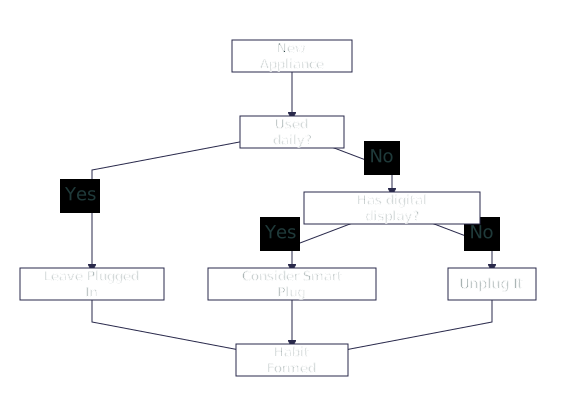
For high-conflict categories like the coffee maker, your personal pattern decides. If you use a simple model without a clock daily, leaving it plugged in is perfectly fine. If it has a bright clock you never look at and you only brew on weekends, plugging it into a simple outlet timer might be a smart middle ground. The goal is to apply energy-saving appliance habits where they matter most.
Smart Habits for Real Energy Savings
You don’t need to live in a jungle of cords. The most effective approach is targeted and systematic. Focus your effort on the handful of devices that truly waste power, and use tools to make the habit effortless.
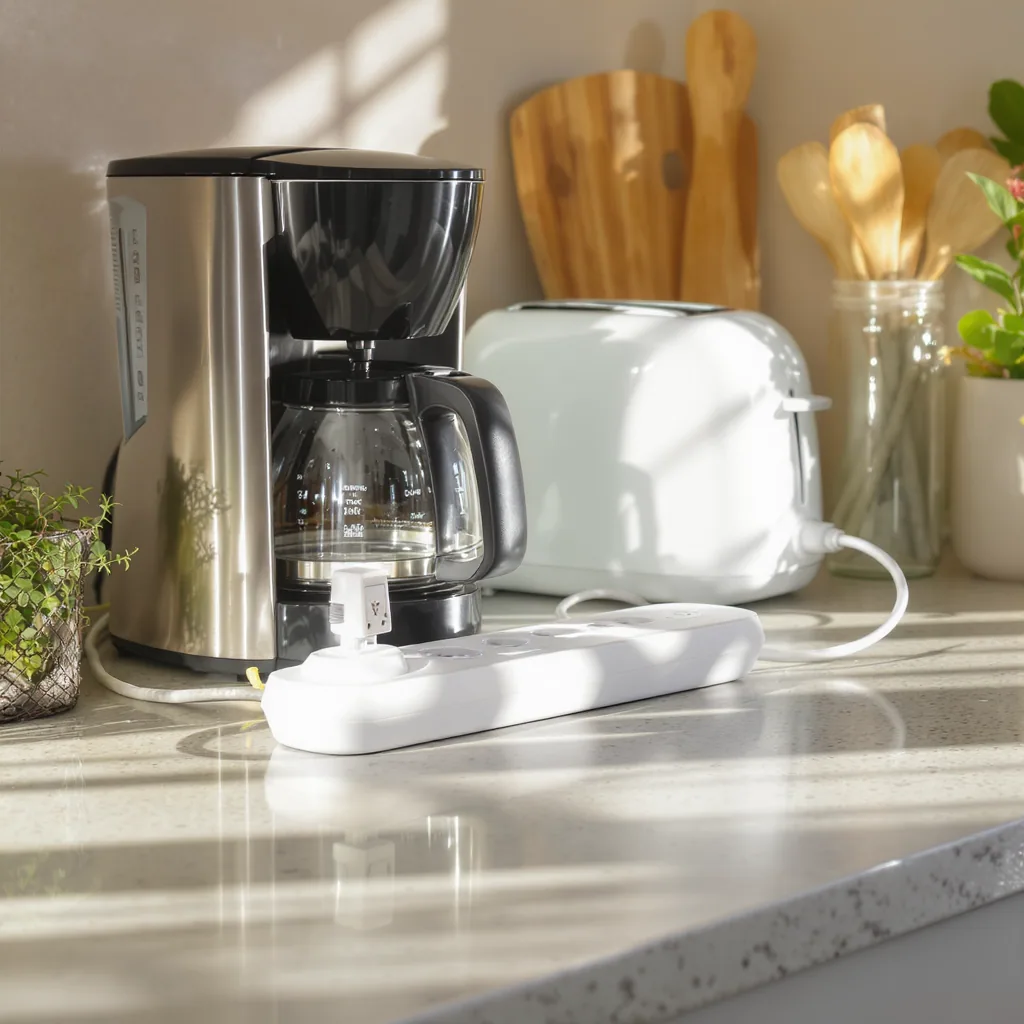
Do: Use smart plugs or basic power strips for clusters of electronics (TV, game console, speakers). You can turn them all off with one button or even automate it.
Don’t: Obsess over unplugging your blender or lamp. The savings are microscopic, and the hassle will make you abandon the habit entirely.
Do: Identify your home’s energy vampires. You can use a simple, plug-in energy monitor to see exactly how much phantom power consumption a device uses.
Don’t: Unplug appliances that need constant power for safety or function, like your refrigerator or security system.
The easiest win? Target “wall warts” (those bulky power adapters) that are warm to the touch when the device is off, and chargers left in outlets with nothing attached. This targeted strategy delivers real smart plug energy savings without turning your life into a daily cord-pulling exercise.
Your 5-Minute Energy Audit Starts Now
The most practical takeaway is this: perfection is the enemy of progress in home energy savings. You don’t need to unplug everything. Tonight, take five minutes to walk through your kitchen and living room. Look for that old DVD player, the gaming console on standby, or the charger block glowing in an empty outlet. Identify just one or two of these true energy vampires.
Your decisive next step is to either plug that device into a power strip you can switch off, make a mental note to unplug it when not in use, or order a simple smart plug to automate the process. By focusing your effort on the big leaks, you’ll save energy, save money, and build a habit that actually sticks.
Q: Does unplugging appliances really save money?
A: Yes, but the amount depends entirely on the appliance. Unplugging a device that uses 10 watts on standby can save about $10-$15 per year. For a device using 1 watt, it’s closer to $1-$2. The savings come from consistently targeting the highest-drain devices, not from unplugging everything.
Q: Are newer appliances better about standby power?
A: Generally, yes. Energy efficiency standards have improved, and many newer models are designed with lower standby power draw. However, features like bright LED displays, instant-on, or network connectivity can still use power. It’s always good to check, but newer is typically better.
Q: Is it bad to constantly plug and unplug appliances?
A: For modern, well-made outlets and plugs, occasional plugging and unplugging is fine. However, doing it multiple times a day for years could eventually wear out the metal contacts. For daily-use items, this wear is a minor concern compared to the hassle; using a switch-controlled power strip is often a better solution.
Q: What’s the easiest way to find out what’s using phantom power in my home?
A: The simplest method is the “touch test.” If a power adapter or device is warm when it’s supposed to be off, it’s using standby power. For precise measurement, you can buy a plug-in energy usage monitor. You plug it into the wall, then plug the appliance into it, and it shows you the real-time wattage and cumulative energy use.